Tap to Pay on Android
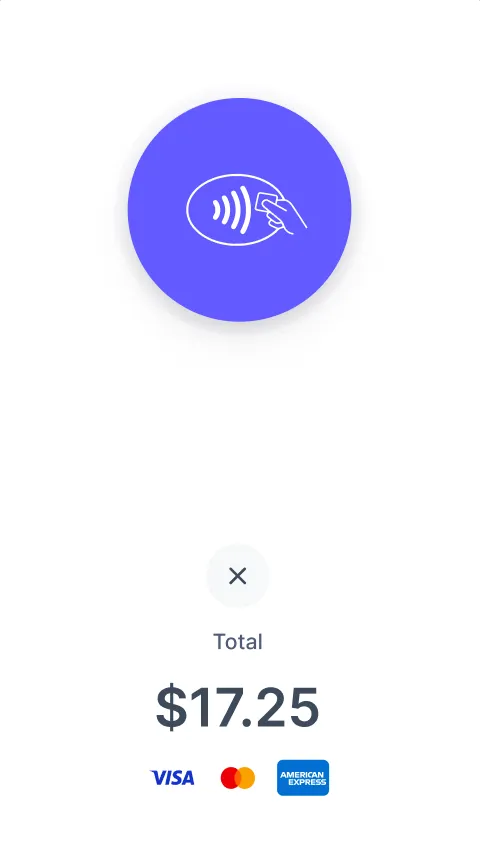
Turn your Android device into a mobile credit card reader.
Android Tap to Pay includes support for Mastercard, Visa, and American Express contactless cards and NFC-based mobile wallets (Google Pay, Apple Pay, and Samsung Pay).
No additional hardware or terminals needed! It’s easy, secure, and private.
Please note you must be running the latest available Android version, within 1 year of release. This requirement is beyond our control.
Be sure to enable NFC in your device settings.
Once enabled, to connect, tap the reader icon in the app or go to the Main Menu > Card Readers.
If your device is supported, you should see the option to connect a Built-In reader type. Tap that to connect the same way you would a standard card reader.
*Some countries in Stripe Beta for this feature. Please keep an eye on Stripe’s list of supported regions as it continues to grow.
Start using Tap to Pay on Android today.


Explore More Features
Tap to Pay on iPhone
Turn your iPhone into a mobile credit card reader. No hardware needed.
Test Mode
Practice without charging real money. Toggle between Test and Live mode.
Card Readers
Compatible with all Stripe Terminal readers and Test Cards.
Global Currency Support
Automatically formats for your currency and region.
Tipping
Just set your Payment Flow to 'Ask'. Customize your tip percentages.
Interac Payments
Full support for Interac Debit in Canada.
Authorize-Only Charges
Reserve funds on a card now and capture them later.
On-Reader Tipping
Let customers enter tips directly on the card reader screen.