Contactless Payments
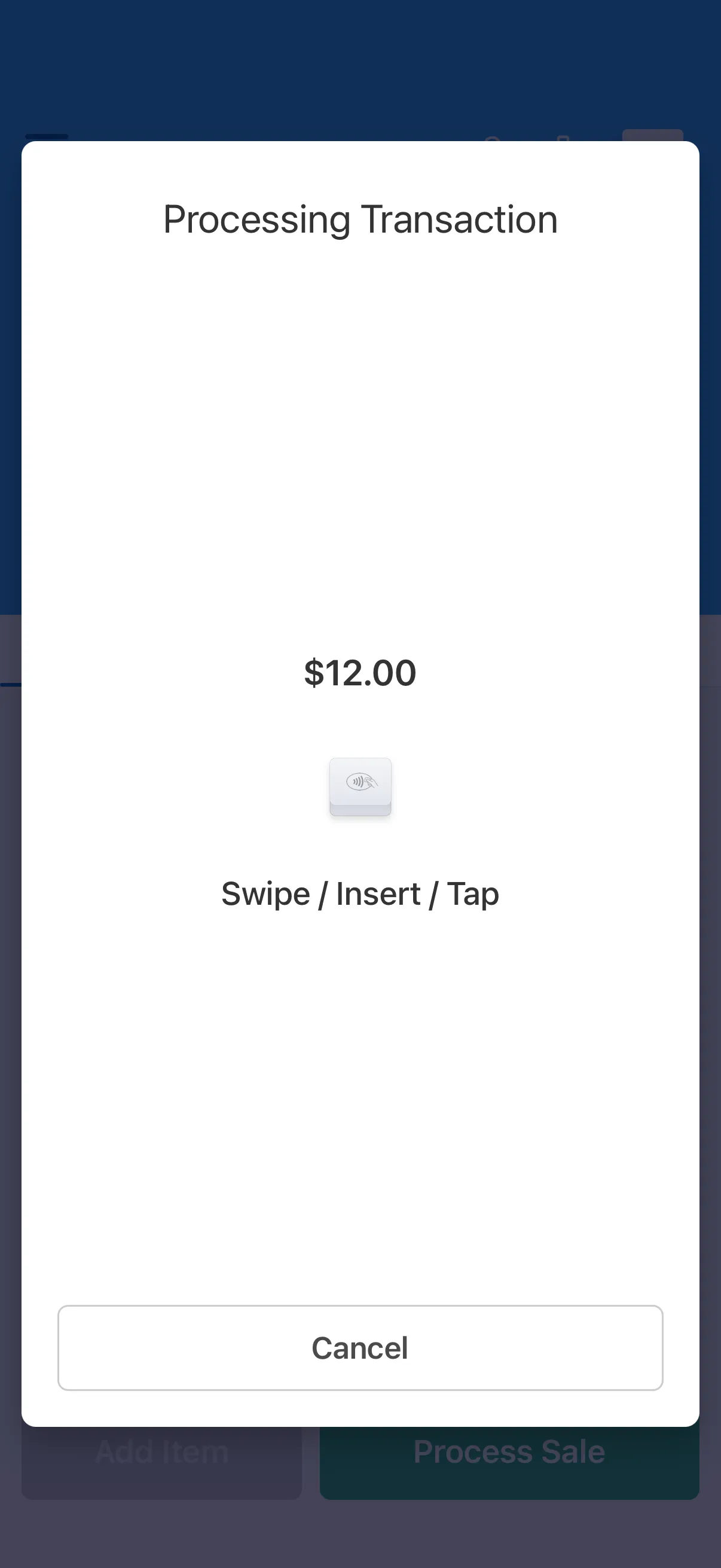
Tap a card, phone, or watch to pay.
Contactless means the customer taps: they hold a card, phone, or watch near the reader and the payment is done. It is the fastest way to pay in person, and the most secure.
Every card reader Collect supports takes contactless payments. So does your own phone, with Tap to Pay.
What Customers Can Tap
- Contactless cards – any credit or debit card with the contactless symbol
- Phones and watches – Apple Pay, Google Pay, and Samsung Pay
With a Reader, or Without One
- Any Stripe Terminal reader – from the pocket-sized readers to the countertop ones. Compare readers
- Tap to Pay – your iPhone or Android device is the reader. Nothing to buy.
Other Ways to Take a Card
Not every card or customer can tap. Card readers also accept:
- Chip (EMV) – the customer inserts the card
- Swipe (Magstripe) – for older cards without a chip, on readers that have a swipe slot
Tap to Pay on a phone is contactless only.
Getting Started
- Order a reader from the Terminal Shop in your Stripe Dashboard, or skip the reader and use Tap to Pay
- Connect the reader in the Collect app
- Start a payment and have your customer tap
Start using Contactless Payments today.
Explore More Features
Tap to Pay on Android
Turn your Android device into a mobile credit card reader. No hardware needed.
Tap to Pay on iPhone
Turn your iPhone into a mobile credit card reader. No hardware needed.
Collect for Readers
Run Collect as an on-reader app on your S700, S710, or T600. No phone or tablet required.
Tipping
Just set your Payment Flow to 'Ask'. Customize your tip percentages.
Interac Payments
Full support for Interac Debit in Canada.
Authorize-Only Charges
Reserve funds on a card now and capture them later.
Tax Rates
Import Stripe Tax Rates or create your own.
Custom Receipts
Add your logo, website, and custom footer message to email receipts.